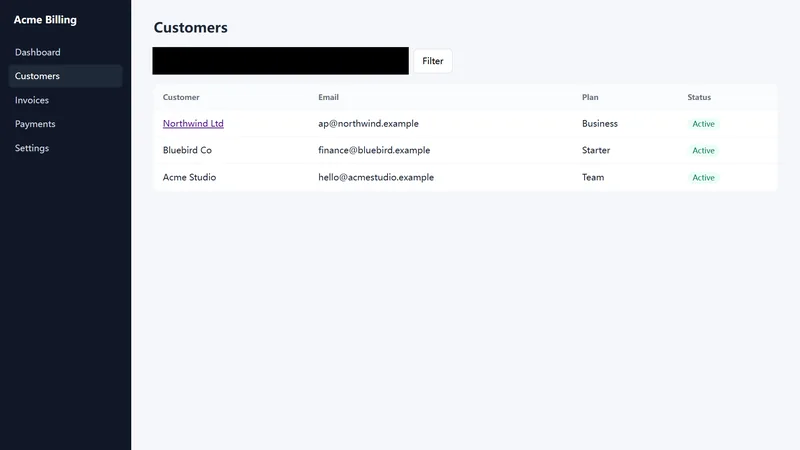
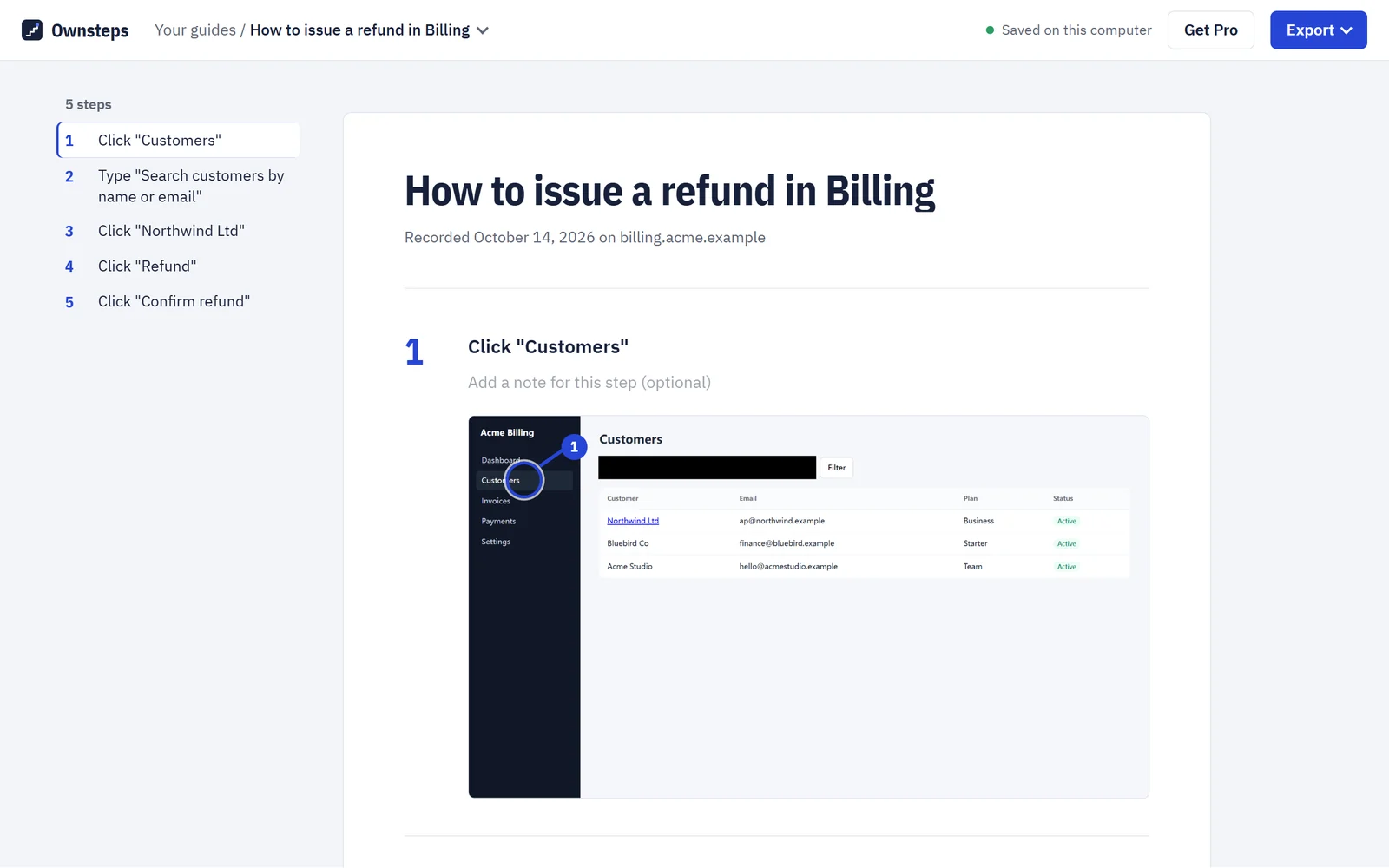
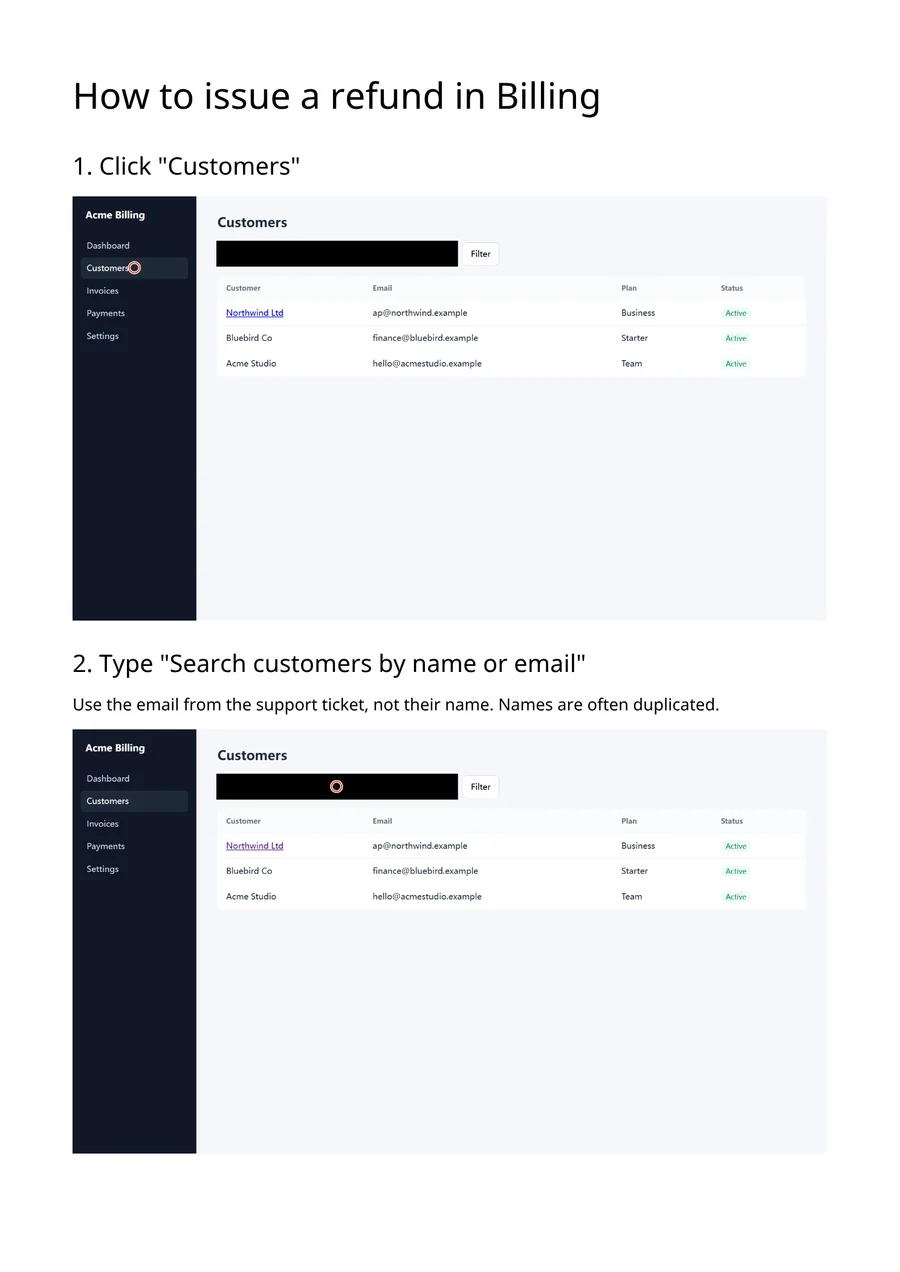
1Click "Customers"
Ownsteps records the clicks you make in Chrome and turns them into a step-by-step guide with screenshots. Edit it, black out what’s private, and export it to Word, PDF or HTML. Everything stays on your computer.
No newsletter. One launch email, then your address is deleted.
| Customer | Plan | |
|---|---|---|
| [email protected] | Business | |
| Bluebird Co | [email protected] | Starter |
| Acme Studio | [email protected] | Team |
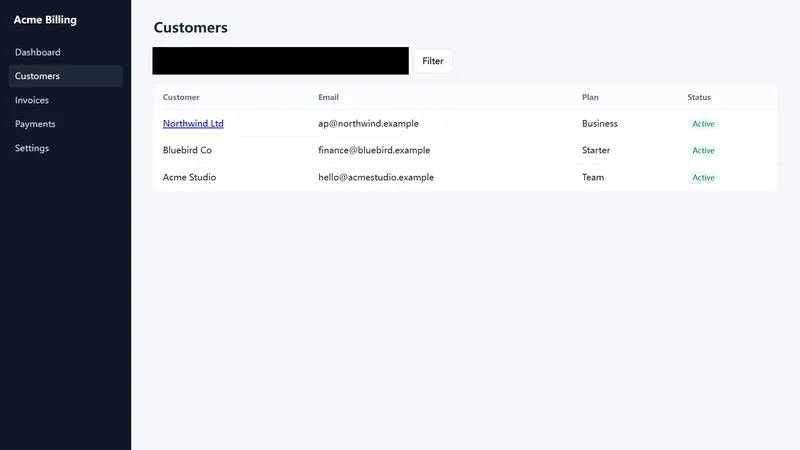
Try it: click Customers in the app.
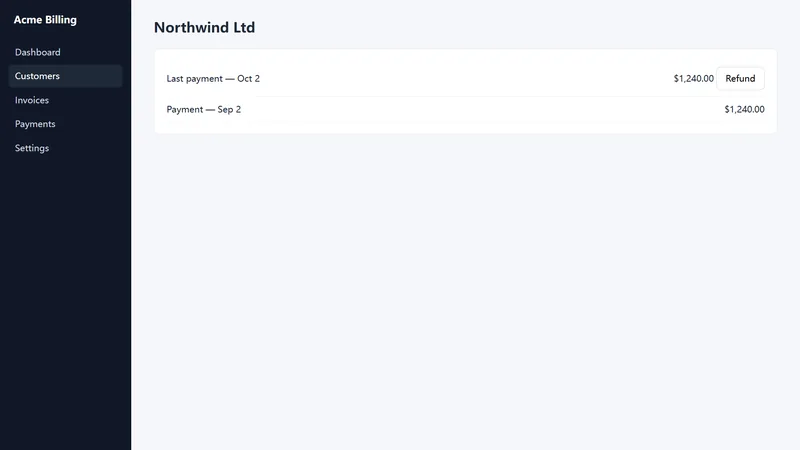
This page is laid out the way Ownsteps lays out yours: one numbered step per action, each with the screen it happened on.
Work at your normal pace in Chrome. Each click becomes a step, with a screenshot taken the moment you press the mouse button.
Ownsteps names each step from the button or link you clicked, like “Click Customers in the sidebar”. Rewrite any of them, add a note, or move them into a better order.
Chrome lets an extension take two screenshots a second. A step captured faster than that gets a yellow mark and asks you to retake its screenshot, instead of quietly showing the wrong screen.
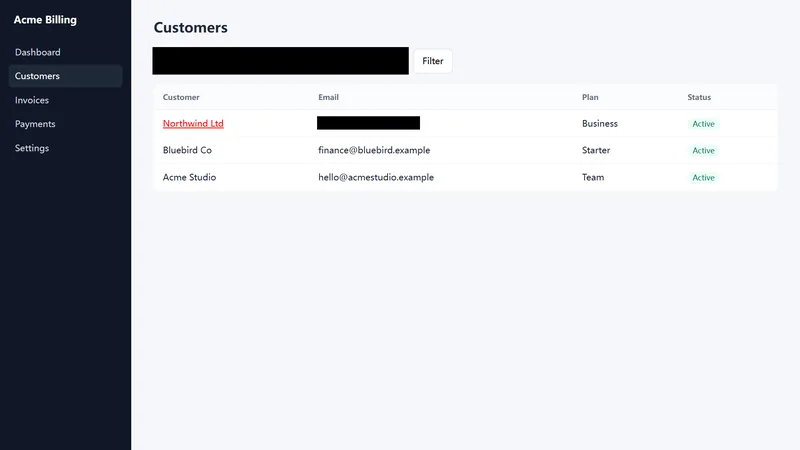
Choose Redact and drag over a name, an email or an account number. The black box is burned into the image, so nothing is hidden underneath it.
Send one HTML page or Markdown with images on the free plan, or a Word document or PDF with Pro. The files work without Ownsteps installed.
Guides often show customer records and admin screens, so Ownsteps has no server to send them to. Screenshots stay in your browser until you export a file. The only requests Ownsteps makes to us are Pro license checks: when you activate it, and about once a week while you use it.
The free plan is a real tool, not a trial. Pro is one payment for the current major version and its updates; there is no subscription.
$0
$29one time
For comparison, Scribe’s Personal plan is listed at $35 a month (checked October 2026, scribe.com/pricing).
It works on regular web pages, single-page apps and same-site frames. Some pages draw everything on a canvas, such as Google Docs’ editing area, so Ownsteps can capture the screenshot but cannot read a button name there; you can type the step text yourself.
In your browser’s local storage on this computer. Uninstalling the extension deletes them, so export anything you want to keep first. Exported files are ordinary documents that stay yours.
Ownsteps records which field you typed into, not what you typed, blacks out input boxes in screenshots and skips password fields. If the page shows your text somewhere else, such as a preview or a search suggestion, that part of the screen can still appear in a screenshot. Check each step before you share a guide; the redaction tool blacks out any area.
Yes, within 14 days of purchase, no questions asked. See the refund policy.
Ownsteps is made by ingijy, an independent developer. Write to [email protected] with questions or problems.